
What you need to know before you livestream your event
At the beginning of any new social media undertaking, there’s a need to set goals. What do you want your videos to accomplish? Where in the marketing funnel will these videos fall?
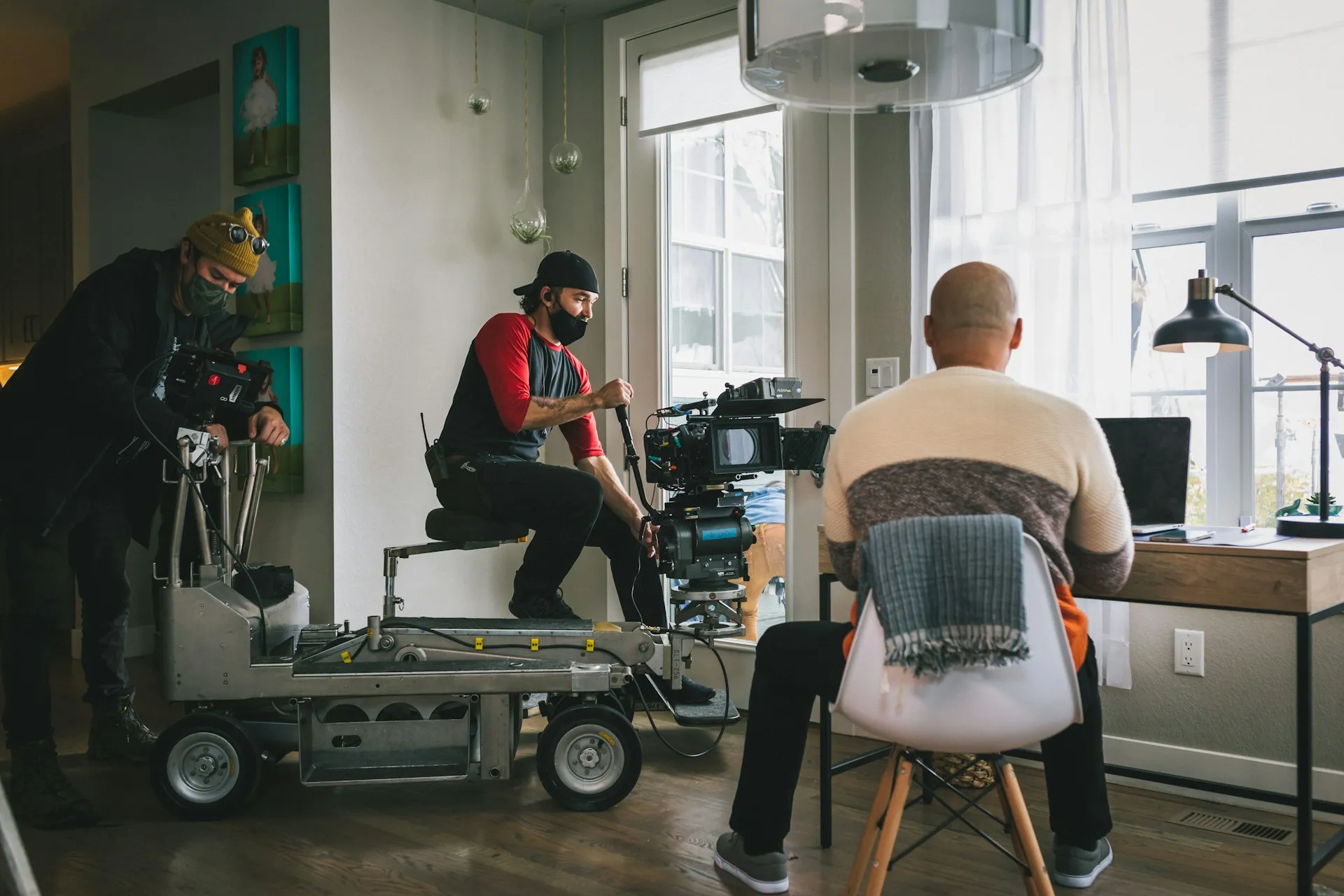
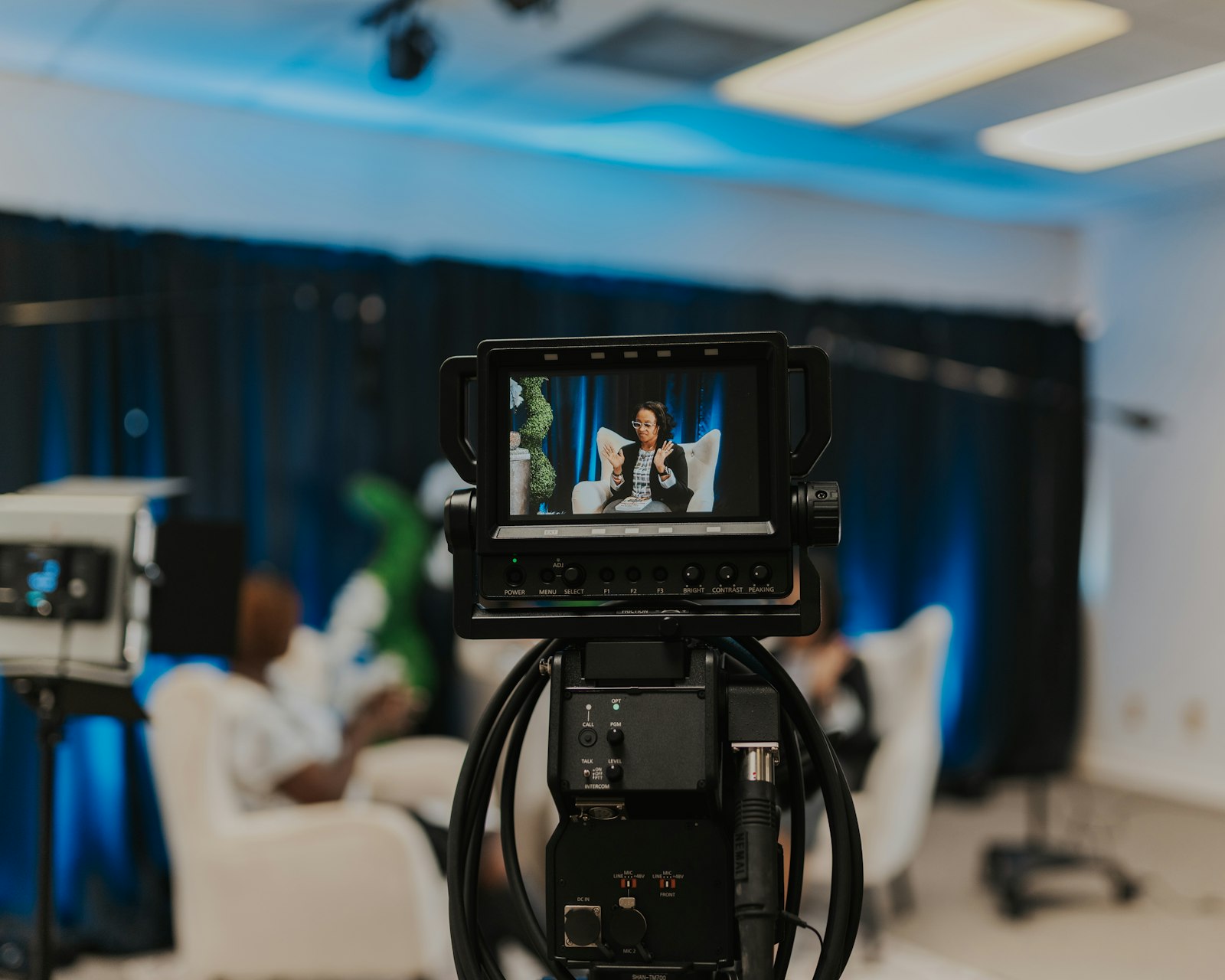
Livestreaming an event requires more than pointing a camera at a stage. A professional setup includes a switching station, 3 to 4 cameras, an audio board, proper microphones, reliable internet, and a clear plan for visuals. Getting these elements right is the difference between a stream people watch and one they abandon.
Why Livestreaming Has Become Essential
Recent advances in video conferencing and livestreaming technologies have enabled distant groups of people to meet face-to-face with ease. Platforms such as Zoom and Facebook Live are becoming more popular every day, particularly since the pandemic altered the ways in which we interact through these services. One thing has become abundantly clear: these platforms are here to stay.
Although live streaming has been available for a while now, it has never been more accessible, and the video and sound quality is better than ever. Working with a professional streaming setup is absolutely the way to go if you want people to connect with remote content on a deeper level. Our live streaming service is built around exactly this kind of professional, reliable setup.
What Does a Livestream Setup Look Like?
A typical professional livestream setup involves a switching board for live switching between cameras, an audio board to control the sound mix going into the livestream, and 3 to 4 cameras, depending on the type of event and client needs. This accounts for the setup at about 60 to 80 percent of our events, especially when it comes to weddings.
For a full breakdown of how this compares to DIY streaming, the YouTube Help Center outlines the technical requirements for high-quality live streaming on their platform, which underscores why a professional setup makes such a noticeable difference.
What Factors into the Price of a Livestream Setup?
Location
A lot of our setup depends on location and the type of occasion calling for a livestream. Popular occasions for livestreaming include weddings, graduations, and funerals. These are all events that not every family member or friend can travel to attend, making livestreaming an excellent alternative. Depending on the location, our setup could be simple and easy to execute or more complex and challenging. Streaming a wedding in the middle of nature, for example, would likely require a generator and a solid network connection.
Because of its participatory nature, a funeral might call for a combination of Zoom and livestream, which requires additional equipment and a more intricate AV setup. Graduations tend to be more straightforward given a more regimented schedule and access to a solid WiFi network.
Switching Station
All of our basic livestream setups come with a switching station, where we can view all of the different cameras and the live feed. This typically hooks up to 3 to 4 cameras, which we switch between throughout the livestream, creating an experience much more engaging and cinematic than your average single-camera stream.
Camera Packages
When deciding between camera packages, you want to consider whether you want your event to have a more classic live feel or to look like a high-end broadcast. There is no right or wrong here, but the type of camera you choose will set the mood for your stream while also impacting the overall price. Our event production team can walk you through the options that best match your event type and audience.
Audio Board
Another essential component for our setup, the audio board allows us to record live sound, balance levels, eliminate unwanted sounds such as wind and background noise, and feed that mix directly into the livestream, matching it perfectly with the video content. You will need either a small or large mixer with more channels depending on the number of mics provided and how many people are speaking at a time. In the past, we have miced entire choirs, but our average setup typically requires three mics at a time.
Microphones
You're going to want one or more microphones for your stream. How many you need depends on the occasion, but two lapel mics and one handheld mic is often sufficient for weddings, funerals, and graduations. For a comprehensive guide to choosing the right microphone for your specific stream type, see our detailed post on microphones for live streaming.
Lapel microphones, also called clip-on mics or lavaliers, are small microphones that are perfect for recording dialogue as they are discreet and can be positioned close to the speaker's face while remaining undetectable. For a wedding ceremony setup, lapel mics are preferable because they allow the officiant and couple to have their hands free. However, lapel mics are not wind resistant, and in the case of high winds, it's useful to have a wireless mic and mic stand as backup.
Handheld mics work great for micing live musicians. Depending on the situation, you may need to mic both an instrument and vocals with two separate microphones. The Audio Engineering Society provides extensive research on optimal mic placement for various live event types, which informs how our audio engineers approach each unique setup.
Visuals
During weddings, funerals, and graduations especially, slideshows are very popular because of their ability to provide a moving, visual, and emotional storytelling experience. For the people physically in the audience, we can provide either a TV or projector and screen setup. Meanwhile, we cast the slideshow itself to our stream for optimal viewing, avoiding problems like TV glare and overexposure.
Internet Connection
It is impossible to stream without the internet, and your connection can quite literally make or break the stream. This is why we provide Liveview Solo, which is a data plan that hooks up directly to the camera and streams to your platform of choice. This way, we don't have to rely on the building's potentially slow internet. Liveview Solo also tends to stream at a much higher quality, creating a more pleasant viewing experience for those at home.
For whatever reason, if the internet goes down at any time, we record a backup file. Once the stream is done, we can provide that file and upload it to your platform of choice.
Zoom vs. Direct Livestream: Which Is Right for You?
When choosing to do a livestream, there are two different routes you can take. One is streaming the video directly to YouTube, Facebook, or another platform with minimal interaction aside from comments. The other approach is incorporating videoconferencing such as Zoom, which allows you to bring remote people into the event as active participants. We are able to merge the two, but it becomes slightly more complex.
According to Zoom's event streaming documentation, combining Zoom with a direct stream is achievable but requires careful pre-event testing to avoid technical issues. Our event production team handles this testing as a standard part of every setup.
For organizations in the healthcare sector that livestream internal meetings, training sessions, or patient education events, the hybrid Zoom-plus-stream approach is especially useful for reaching both in-person and remote audiences simultaneously.
Plan Your Event Livestream With a Team That Gets It Right
Livestreaming an event is a powerful way to expand your reach and create a lasting record of an important moment. But it requires real preparation. The difference between a professional stream and a poor one comes down to the quality of the equipment, the expertise of the crew, and the planning that happens long before anyone goes live.
Variables like location, audience size, microphone count, and platform choice all shape how your setup should be configured. Understanding these factors upfront helps you make smart decisions about budget, logistics, and expectations. And when you work with a team that handles these details every day, you can focus entirely on the event itself.
Portland Production Services has produced professional livestreams for weddings, corporate events, graduations, fundraisers, and more across the Pacific Northwest. Get in touch today to plan your event stream with a team that gets it right the first time.
Planning an event that needs to be livestreamed professionally? Talk to our event team!
There's more ...

Unleash Your Inner Creative Madness With Us!
info@portlandproductionservices.com
503-317-6447
© Portland Production Services 2026
8816 SE 29TH AVE
MILWAUKIE OR 97222-6323, US

